
How to Migrate a Paper COA to eCOA Without Losing Validity
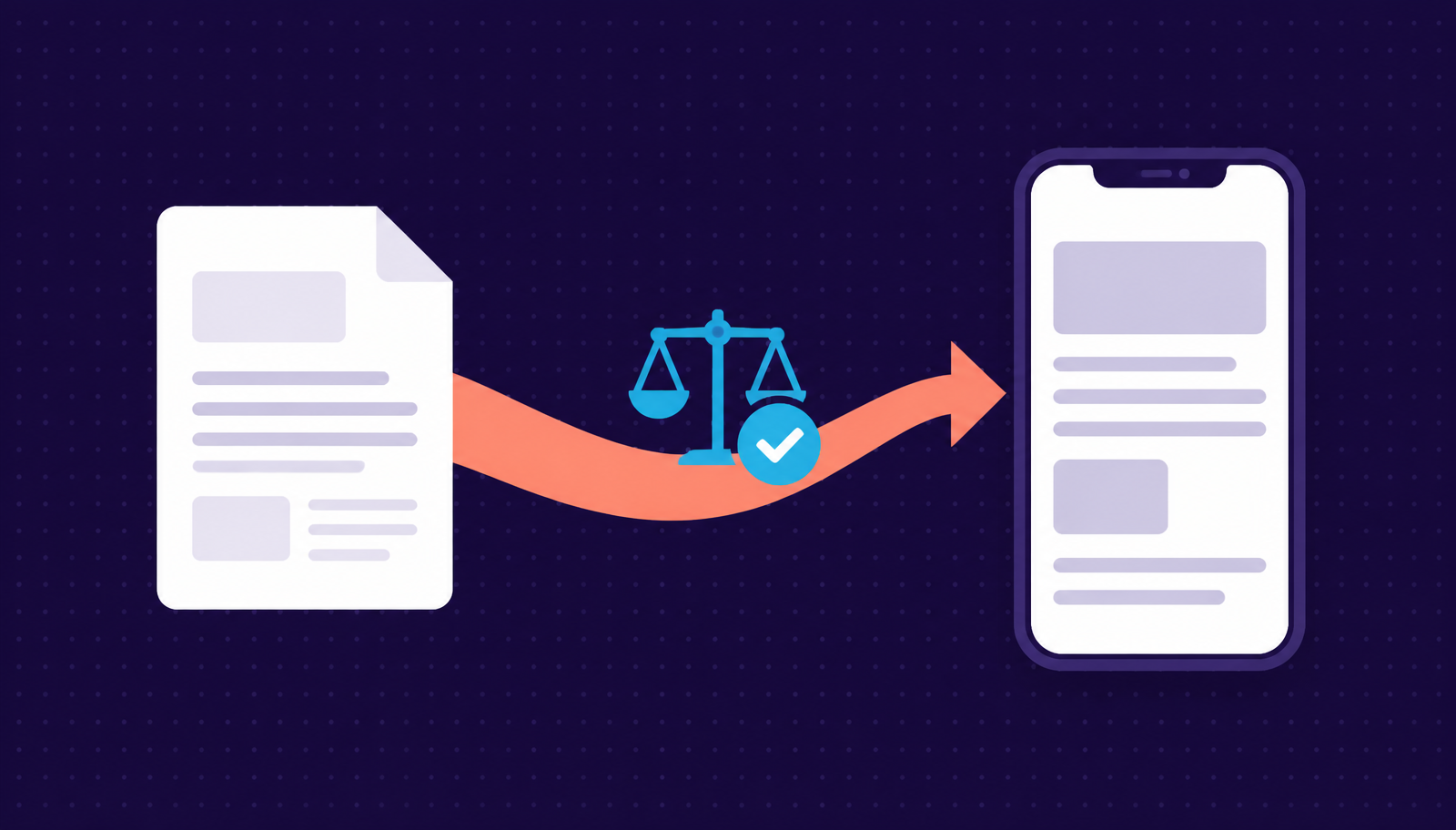
Most clinical outcome assessment (COA) instruments in use today, quality-of-life questionnaires, symptom diaries, and functional scales, were originally developed and validated on paper. When a study team decides to collect that same instrument electronically, the natural assumption is that moving it to a screen is a simple formatting exercise. It is not. Regulators, measurement scientists, and instrument developers all treat the migration as a change that can affect what the data actually means.
This guide walks through why migration matters, how to judge the size of a given change, and what evidence a study team should plan to generate before relying on an eCOA version of a legacy paper instrument.
Why the migration itself is a risk
A validated paper COA earns its validity through a specific combination of wording, layout, response options, and recall period. Change any of those elements and there is a chance, however small, that participants will interpret or answer the item differently than they would on paper. If that happens, scores collected electronically may not be comparable to the historical paper data the instrument was validated against, which can complicate how a trial's endpoints are interpreted.
This is why the FDA's guidance on patient-reported outcome measures and the broader eCOA literature both emphasize measurement equivalence: the goal is not just that an electronic form looks similar to its paper counterpart, but that it produces comparable scores and preserves the intended meaning of each item.
The three levels of modification
Industry guidance from groups like ISPOR and ISOQOL generally sorts changes made during a paper-to-electronic migration into three categories. Knowing which one applies to a given instrument determines how much validation work is needed.
| Modification level | Example changes | Typical evidence needed |
|---|---|---|
| Minor | Changing "circle the answer" to "tap to select"; adjusting font or button style | Usability review; documentation of the change rationale |
| Moderate | Reflowing a long item across multiple screens; adjusting spacing or layout | Usability testing with representative participants; cognitive debriefing |
| Substantial | Changing item wording, response scale, recall period, or item order | Full equivalence testing, which may include psychometric evaluation and regulatory consultation |
A common mistake is underestimating where a change falls. Splitting a single paper page into three screens because the item does not fit on a phone, for instance, can look minor but may shift how participants process the question if screens are not read as a unit. Treating that kind of layout change as automatically low risk is exactly the assumption instrument developers warn against.
What equivalence testing actually involves
For instruments where changes fall into the moderate or substantial category, teams typically rely on two complementary methods. Usability testing checks whether participants can navigate the electronic version without confusion: can they find the right button, understand the navigation, and complete the assessment the way it was intended to be completed. This surfaces interface problems before they show up as bad data.
Cognitive debriefing goes a layer deeper. Participants complete the electronic version and are then asked to describe, in their own words, what each item meant to them and how they arrived at their answer. This method is designed to catch cases where the electronic format subtly changes comprehension even when the wording has not technically changed.
For substantial changes, sponsors may also need formal psychometric equivalence testing, comparing score distributions between paper and electronic administration in a sample large enough to detect meaningful differences. This is a heavier lift and is typically reserved for cases where an instrument's wording, scale, or scoring logic has changed materially.
Design choices that protect validity during migration
A handful of practical design decisions consistently show up in eCOA migration guidance as ways to reduce risk before formal testing even begins:
- Keep each screen self-contained: all instructions, recall period, and response options for a single item should appear together, so participants are not relying on memory of a previous screen.
- Preserve item order and response format: changing the sequence or orientation of response options can shift how participants read and select an answer, even if the words are identical.
- Avoid pre-selected defaults: no response option should be checked or highlighted before the participant acts, since a default can nudge answers toward a particular option.
- Require deliberate confirmation to skip an item: this distinguishes an intentional skip from an accidental one and keeps missing-data patterns interpretable.
- Standardize navigation elements: keep "Next" and "Back" consistent across every screen, so interaction mechanics do not vary from item to item.
Device strategy interacts with these choices as well. Our guide to BYOD vs. provisioned devices for eCOA covers how screen size and hardware variability factor into the same validity questions.
Licensing and permissions come before design
Before any migration work begins, confirm the copyright status and digital-use terms of the instrument. Many widely used COA instruments are licensed, and the license may specify what changes are and are not allowed in an electronic adaptation, or require the instrument developer's review and sign-off. Sorting this out early avoids redesigning a form only to discover the license does not permit the layout that was built.
Documentation sponsors should keep
Because regulators expect sponsors to be able to justify comparability claims, not just assert them, the migration process should produce a paper trail: which modification level applied to each change, why, what usability or cognitive debriefing was conducted and with how many participants, what the findings were, and how any issues were resolved before the instrument was finalized for use in the trial. This documentation typically lives in the study's data management plan or a dedicated eCOA validation package and should be ready well before an inspection, not assembled retroactively.
Building this into the study timeline
Migration and equivalence testing take real time, and they are easy to underestimate during study planning. Engaging an eCOA vendor early in protocol development, rather than after the protocol is finalized, gives the team room to identify which instruments need what level of testing and to build that timeline into the overall study startup plan rather than treating it as a late-stage bottleneck.
Curebase's ePRO/eCOA platform includes a pre-built instrument library and supports the documentation trail migration work requires, including audit trails and validated electronic signatures, so study teams have the evidence in place when it is time to demonstrate that an electronic instrument preserved what the paper original was built to measure.
Whether an instrument needs a quick usability check or a full equivalence study, the underlying principle is the same: measurement validity should travel with the instrument from paper to screen, not get left behind in the transition.
Frequently asked questions
Do I need equivalence testing to move a paper COA to eCOA?
It depends on how much the instrument changes. Minor changes, such as replacing 'circle the answer' with 'tap to select', usually need only a usability review and documentation. Moderate changes, such as reflowing an item across multiple screens, call for usability testing and cognitive debriefing. Substantial changes to wording, response scale, recall period, or item order may require full equivalence testing and regulatory consultation.
What is cognitive debriefing in an eCOA migration?
Cognitive debriefing asks participants to complete the electronic version and then describe, in their own words, what each item meant to them and how they arrived at their answer. It is designed to catch cases where the electronic format subtly changes comprehension even when the wording has not changed.
Can I split a long paper item across multiple screens?
You can, but it is not automatically a low-risk change. Splitting a single paper page into several screens may shift how participants process the question if the screens are not read as a unit. Keep each screen self-contained so instructions, recall period, and response options for a single item appear together.
What documentation should sponsors keep for an eCOA migration?
Record which modification level applied to each change and why, what usability or cognitive debriefing was conducted and with how many participants, what the findings were, and how issues were resolved before the instrument was finalized. This typically lives in the data management plan or a dedicated eCOA validation package.
Do I need permission from the instrument developer?
Often, yes. Many widely used COA instruments are licensed, and the license may specify what changes are allowed in an electronic adaptation or require the developer's review and sign-off. Confirm copyright status and digital-use terms before any design work begins.